



MCP server
Angelus in your Claude or your ChatGPT.
Talk to Angelus from your own Claude or ChatGPT. It reads your workspace, prepares the work and writes your campaigns; you approve in Angelus. No exchange limit: the reasoning runs on your own subscription.
Angelus's MCP server address
https://mcp.angeluslabs.com/mcpIn a minute
Three steps, and you're connected.
Claude
- 1Open connectorsOn claude.ai, open Settings and type "Connectors" in the search.
- 2Add AngelusClick "Add", name the connector Angelus and paste the address above.
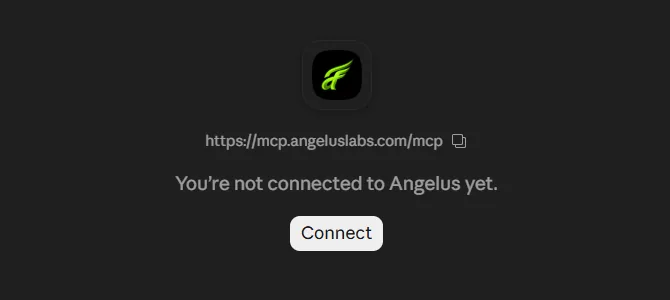
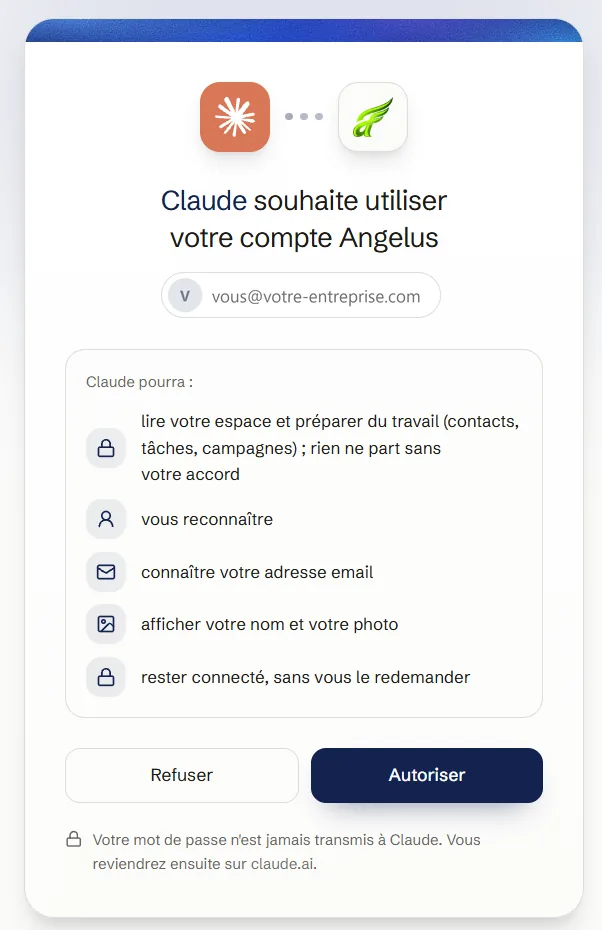
- 3Sign inClaude opens Angelus's page: sign in with your account and allow.
ChatGPT
- 1Developer modeIn ChatGPT on the web: Settings, Apps, Advanced settings, Developer mode.
- 2Create the Angelus app"Create app", name it Angelus, paste the address above, pick OAuth.
- 3Sign inChatGPT opens Angelus's page: sign in with your account and allow.
ChatGPT's developer mode is on the Plus, Pro, Business, Enterprise and Education plans. On Claude, the free plan is enough.
By plan
What your Claude or ChatGPT can do in Angelus.
Lite
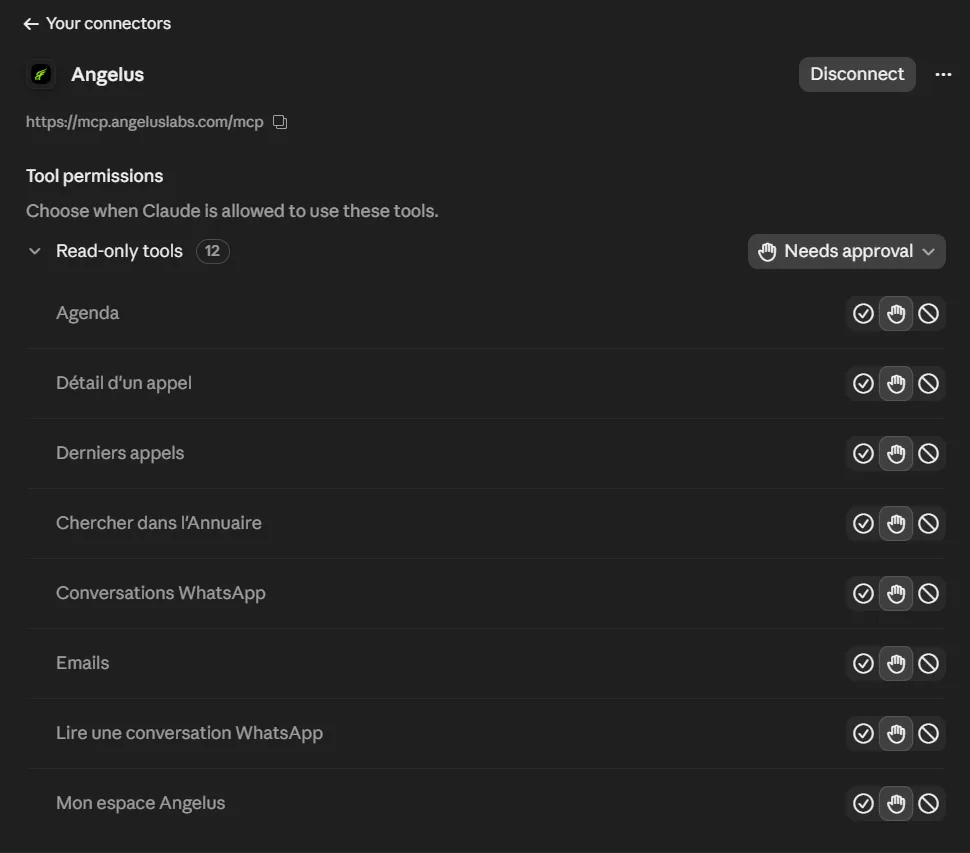
- Read your Directory, Work plan and Calendar
- Read your WhatsApp conversations and emails
- Read Oracle, your business profile
- Add a contact, a note, a task
- Know all of Angelus's documentation, so it answers without making things up
Starter
- Everything Lite does
- Your calls, their summaries and transcripts
Pro
- Everything Starter does
- KERYXOS: your journeys and programs
- Prospecting: your Claude or ChatGPT finds businesses and files them in the Directory
- Campaigns: your Claude or ChatGPT writes each email, you review and launch
Actions by your Claude or ChatGPT have a daily cap: 20 on Lite, 50 on Starter, 300 on Pro.
See plansSecurity
Your Claude or ChatGPT prepares, you decide.
- You sign in with your Angelus account: your password is never given to your Claude or ChatGPT.
- Each connection sees only your workspace, never anyone else's.
- Nothing goes out without you: a message waits in your Work plan, a campaign waits for your review and your click on "Launch".
- Each time a new AI connects, an email lets you know. If it wasn't you, one click alerts our team.
Ready to never missa call?
Your assistant is ready in a few minutes. You choose its voice, its name and its rules.